
FreeNo sign-upRuns in your browser
RetrobakePSX Texture and Model Converter in Your Browser
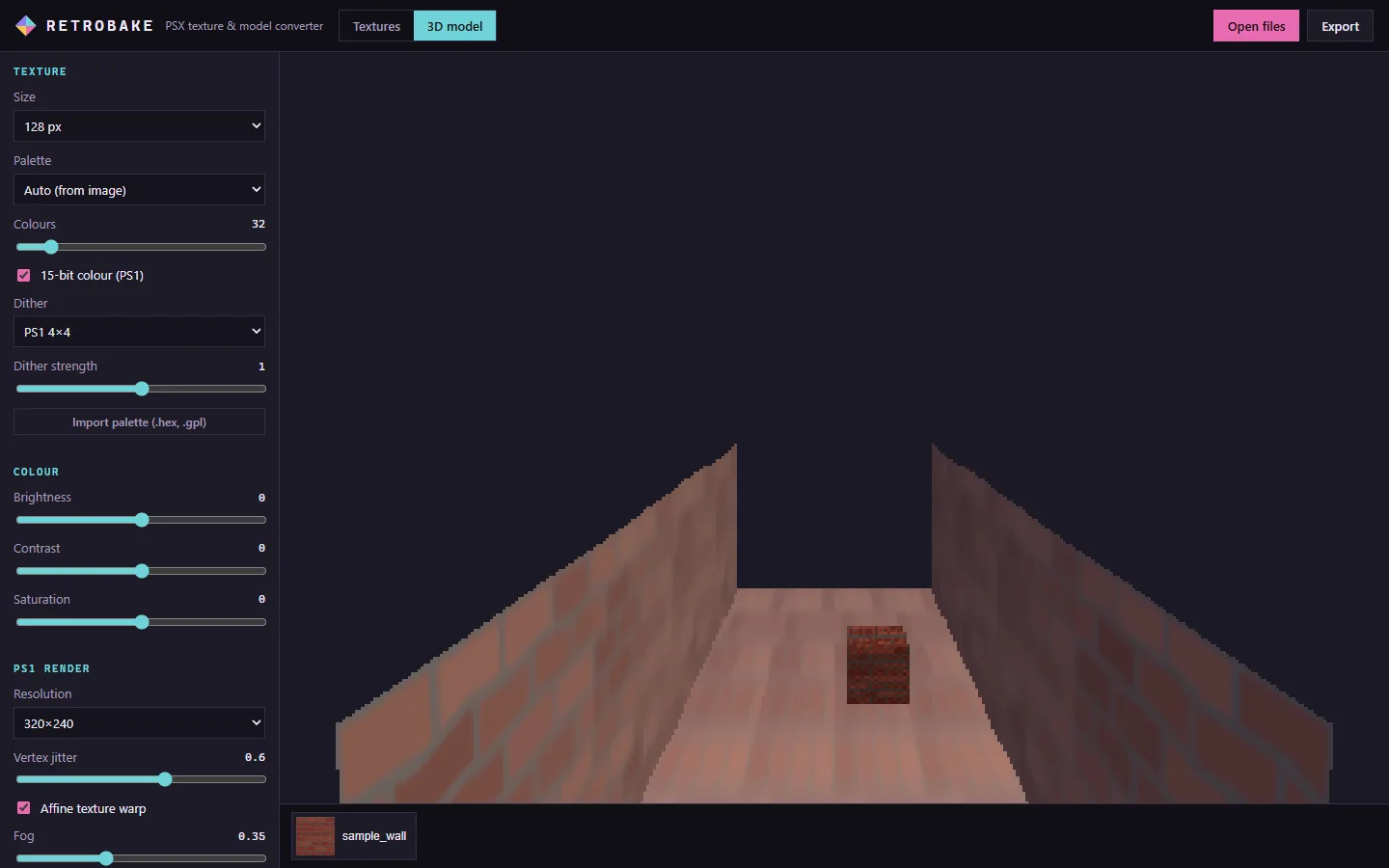
Retrobake does the two halves of the PS1 look. Textures: shrink to 64 or 128 px, cut colours to a palette, snap to 15-bit colour and apply the PlayStation's own 4×4 dither. Models: open a GLB, FBX or OBJ, process every texture at once and preview it at 320×240 with wobbling vertices, affine texture warp and fog. Then export the textures or the whole model as GLB.
What it does
01
PS1 colour, for real
15-bit colour (32 levels per channel) and the console's own 4×4 ordered dither table, or Bayer 8×8, with adjustable strength.
02
Palettes
Automatic palette from the image (2 to 256 colours), presets like Fog 12, Rust 16, PICO-8 and Game Boy, or import a .hex or .gpl palette.
03
Batch textures
Drop many photos or textures, compare original and PSX side by side, tile 3×3 to check seams and export all as a ZIP.
04
3D model preview
GLB, glTF, FBX and OBJ with their textures. Rendered at 320×240 or 640×480 with vertex jitter, affine warp and fog you can tune.
05
Fewer triangles
Reduce the triangle count of static meshes to a percentage for a lower-poly silhouette.
06
Export
PNG per texture, ZIP of all textures, the model as GLB with the new textures, or a screenshot of the PS1 view.
How it works
- 1
Drop textures, photos or a 3D model with its textures.
- 2
Pick the size, palette and dither, and tune jitter and fog in the 3D view.
- 3
Export the PNGs, the ZIP or the GLB and use them in Unity, Godot or Unreal.
When to use it
Turning photos into horror textures
Photograph a wall or a door, shrink it to 128 px and dither it: instant PS1 material for a corridor.
Retro-fying a model you already have
Run a modern model through Retrobake to get low-res textures and preview how it reads in a PS1-style scene.
Matching a PSX asset pack
Use the same palette and size on your own textures so they sit next to bought PSX assets.
From the studio that made it
 FREE EDITION
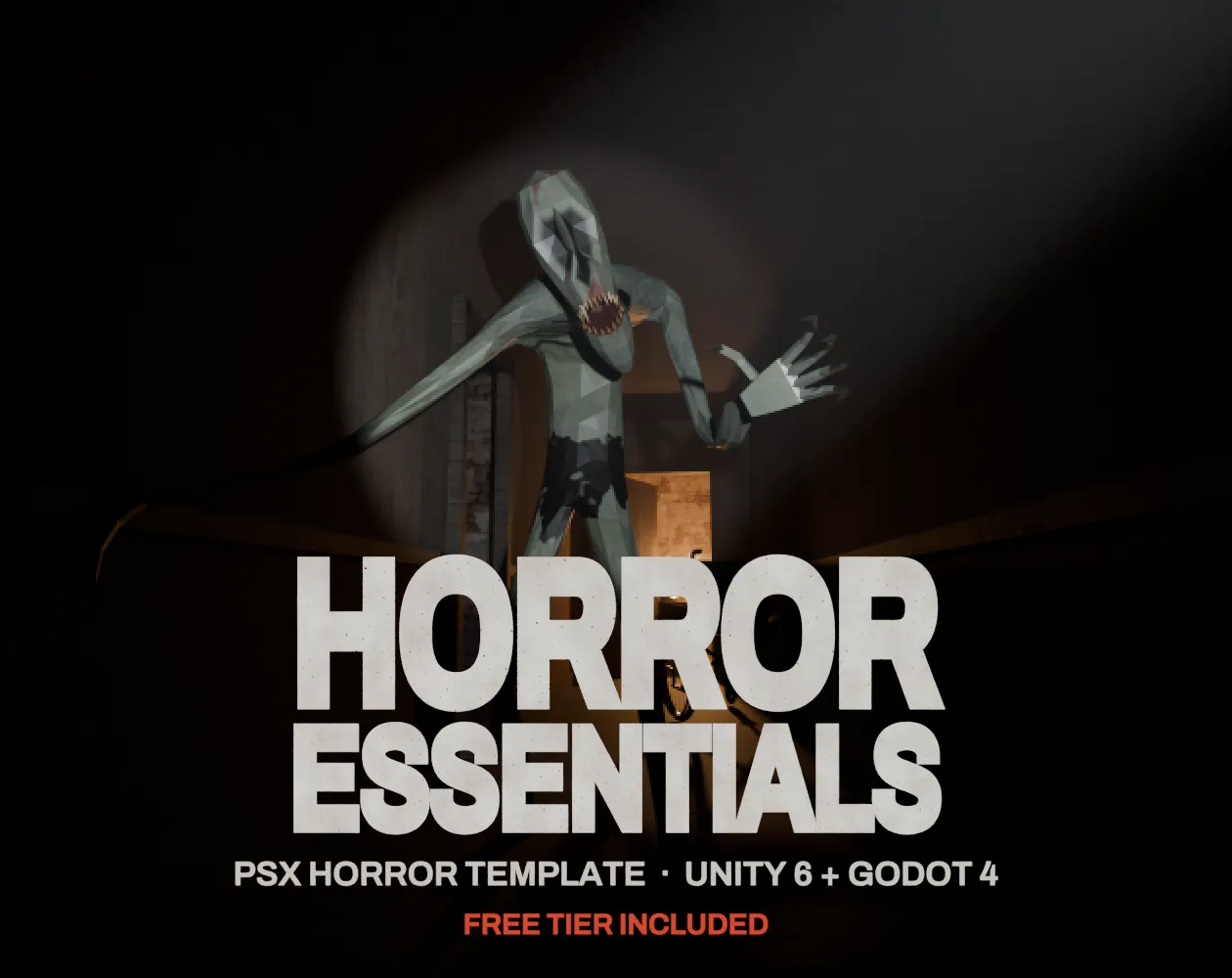
Horror Essentials: PSX Horror Template for Unity 6 & Godot 4
Unity 6 · URP · C# source + demo
 FREE EDITION
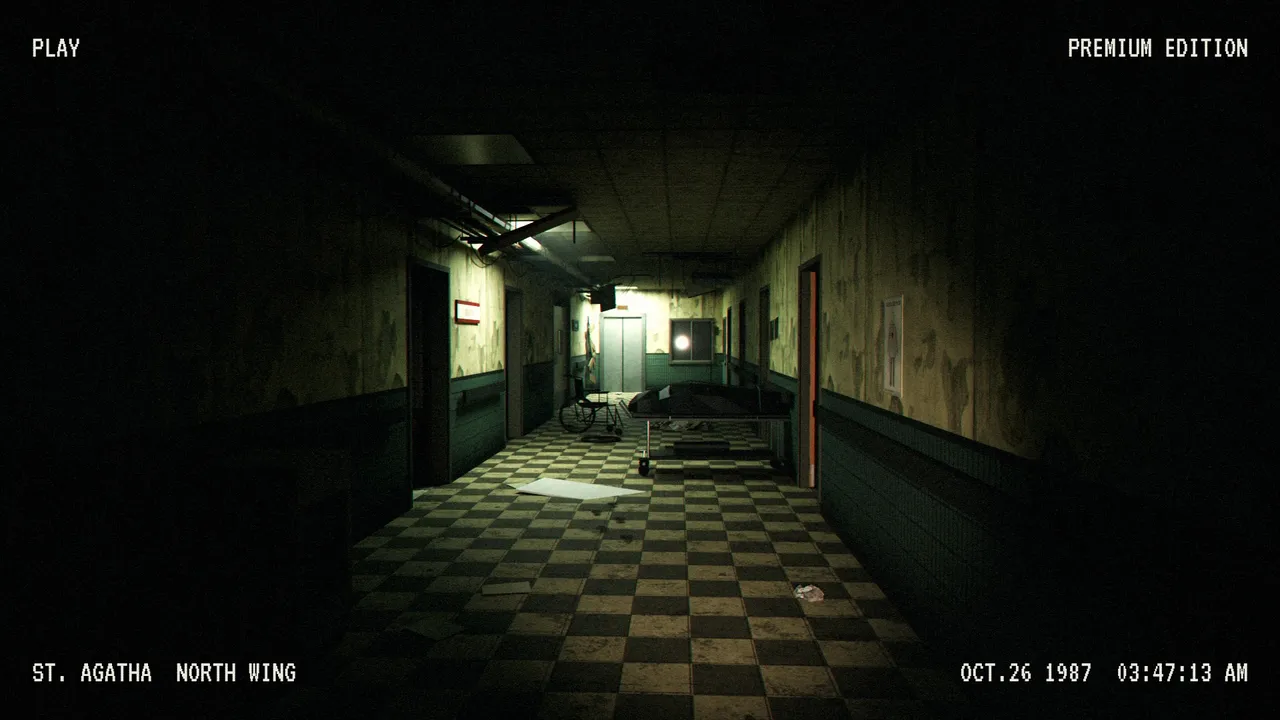
PSX Abandoned Hospital: Modular Low Poly Horror Pack
286 models · Free / Standard / Pro
 FREE EDITION
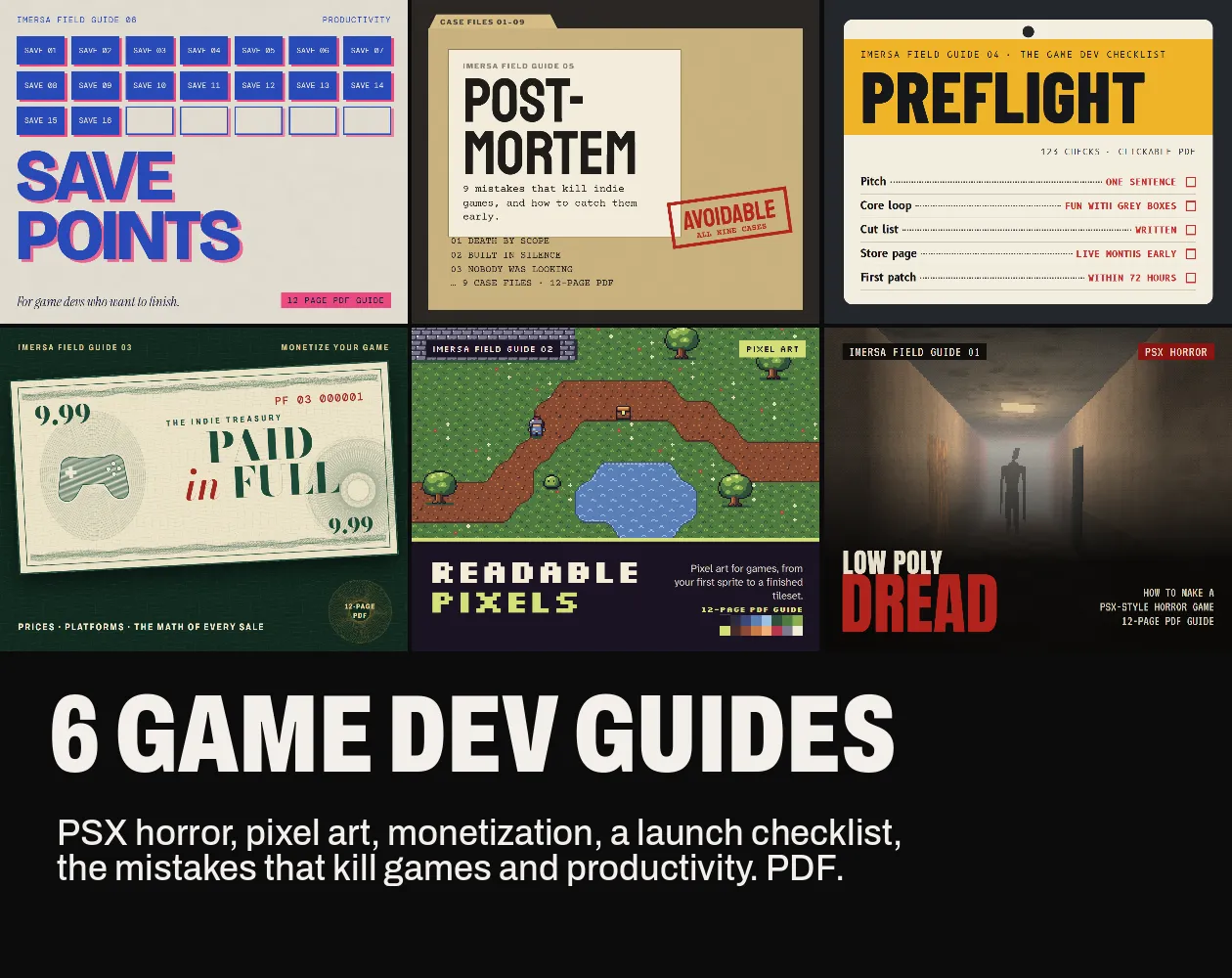
Game Dev Guides Bundle: 6 PDF Books for Indie Devs
PDF field guide · 12 pages
Questions
Low-resolution textures, 15-bit colour with dithering, no perspective correction on textures (affine mapping), vertex positions snapped to whole pixels and short draw distance hidden by fog. Retrobake reproduces each one.
Mostly 64×64 to 128×128 px, sometimes 256 px for big surfaces, inside a 1 MB video memory.
The first animation clip of a GLB or FBX plays in the preview and is included when you export the GLB. Rigged meshes are not reduced by the triangle tool.
For jitter and affine warp in your engine, yes: Retrobake changes the files, the shader does the real-time part. The textures and palette it bakes work with any PSX shader.
No. Files are read and processed in your browser.