
FreeNo sign-upRuns in your browser
PixelierPixelate 3D Model Textures With 130+ Palettes
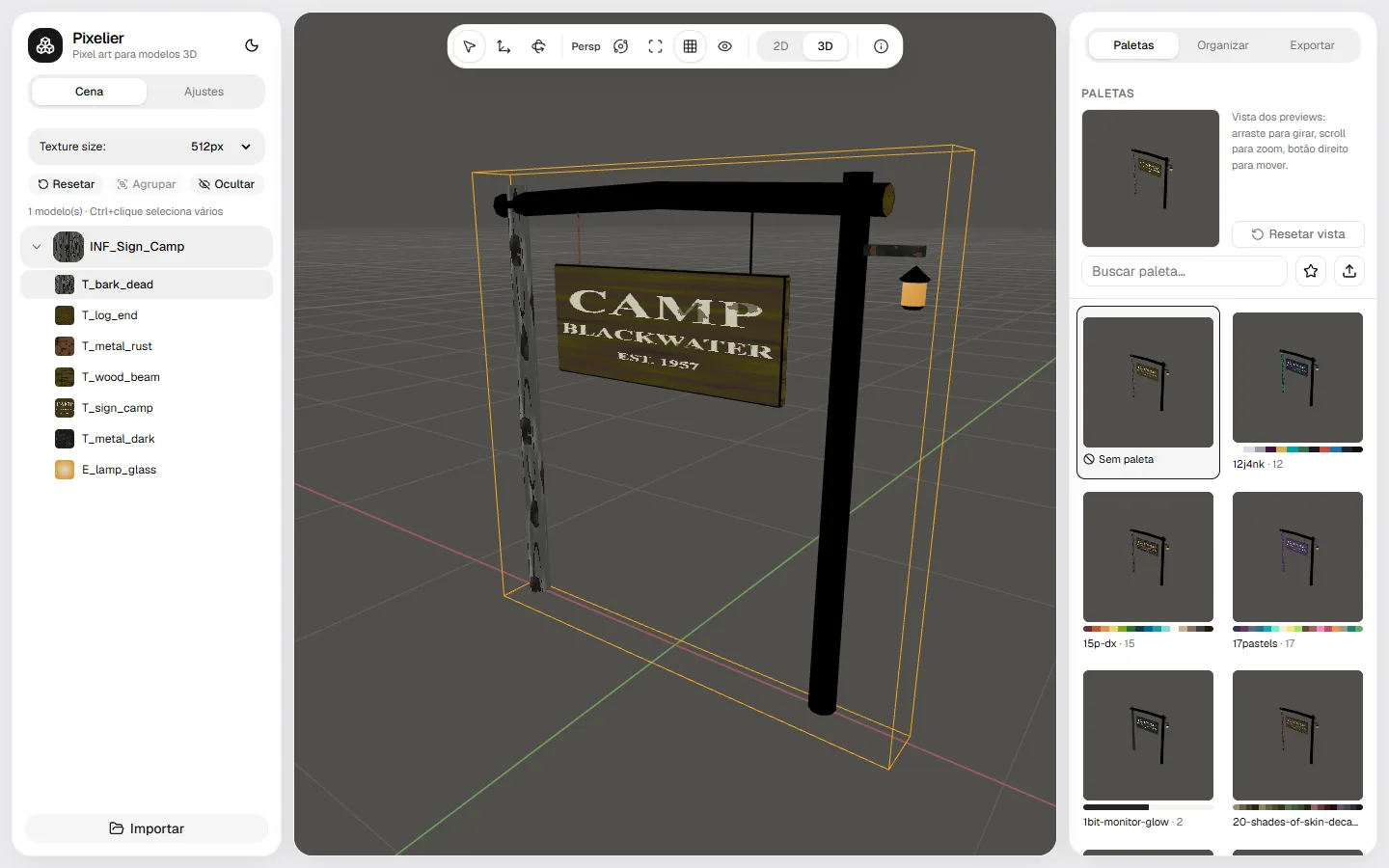
Pixelier loads your 3D models, finds every material texture and turns it into pixel art you can see on the model as you tweak it. Each palette shows a live preview of your model, so you pick by eye. Work on many models at once and export one PNG per material, or a ZIP with a folder per model.
What it does
01
Batch import
Drop several GLB, glTF, FBX or OBJ models at once with their .mtl, .bin and texture files. Every material is listed per model.
02
Palette previews on your model
130+ palettes, each rendered on the model you selected. Star favourites, search, or import your own .hex palette.
03
Pixel controls
Pixel size, palette impact, dithering, brightness, contrast, exposure, saturation, blur and tint, per material or for everything.
04
2D and 3D views
Check the flat texture or orbit the model with a grid, wireframe and perspective or orthographic camera.
05
Replace a texture
Swap any material's image for another one and pixelate it with the same settings.
06
PNG or ZIP export
Download the current material as PNG, the selected models, or the whole scene as a ZIP with one folder per model.
How it works
- 1
Drag your models (and their textures) into the window.
- 2
Pick a texture size and a palette from the live previews, then adjust pixel size and dithering.
- 3
Export PNGs or a ZIP and put the textures back on the models in Blender, Unity or Godot.
When to use it
Giving a 3D pack a PSX look
Pixelate every texture of a kit with the same palette so props, walls and characters match.
Matching assets from different sources
Run models from several stores through one palette and pixel size so they look like one game.
Testing palettes before you commit
Compare dozens of palettes on the real model instead of guessing from swatches.
From the studio that made it
 FREE EDITION
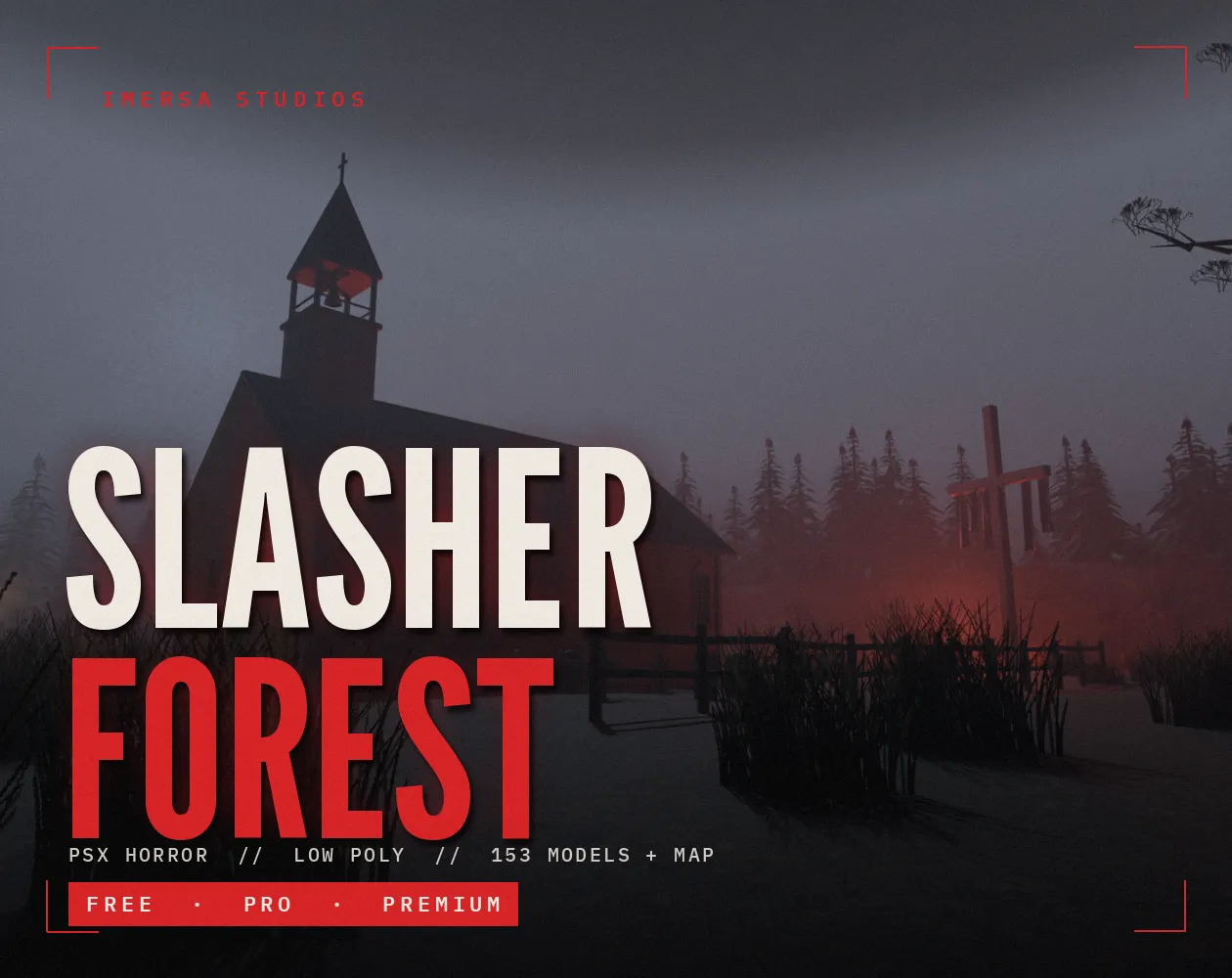
PSX Forest Horror: Low Poly Slasher Camp Kit
Free / Standard / Pro
 FREE EDITION
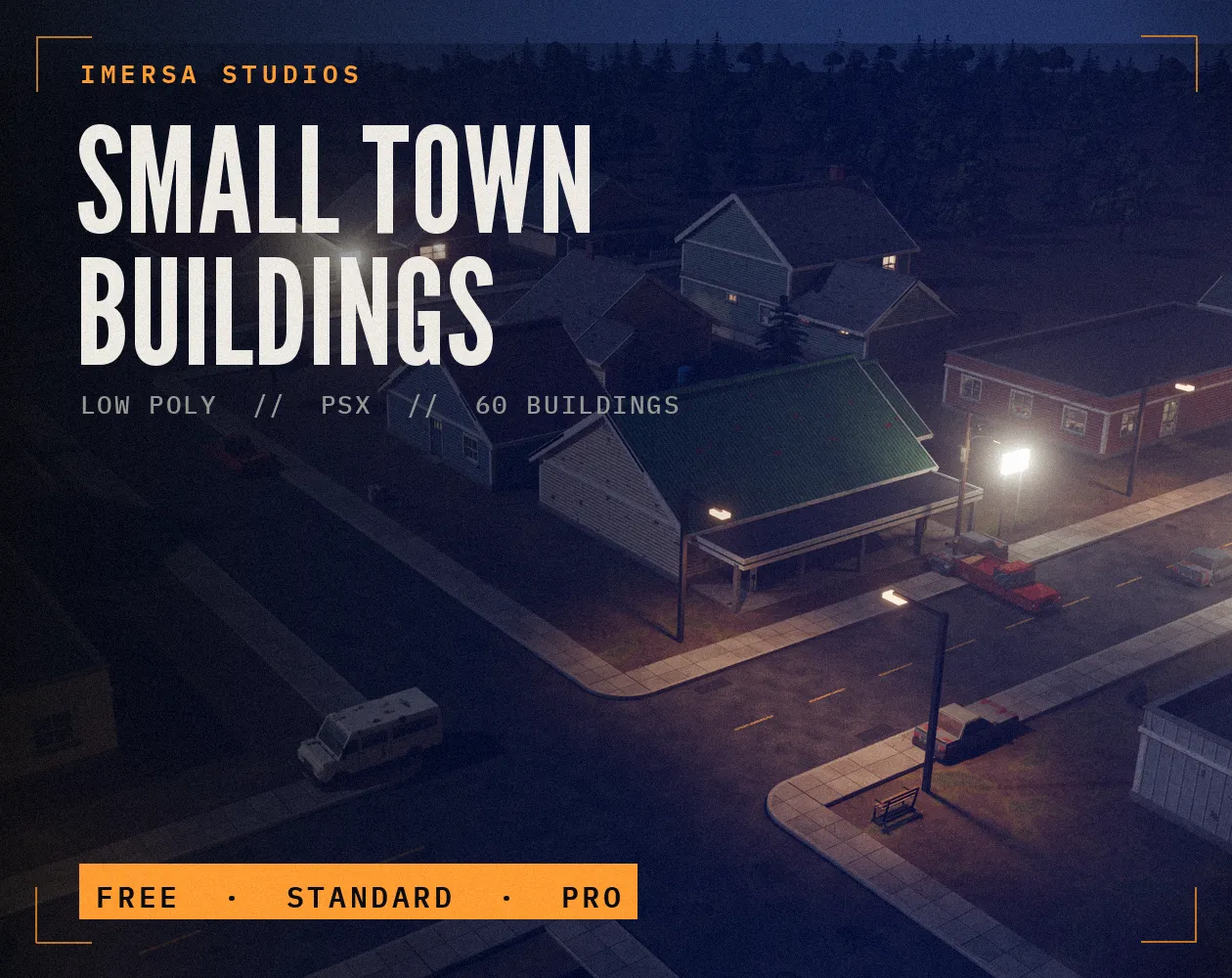
Small Town Buildings: Low Poly PSX Town Kit
Free / Standard / Pro
 FREE EDITION
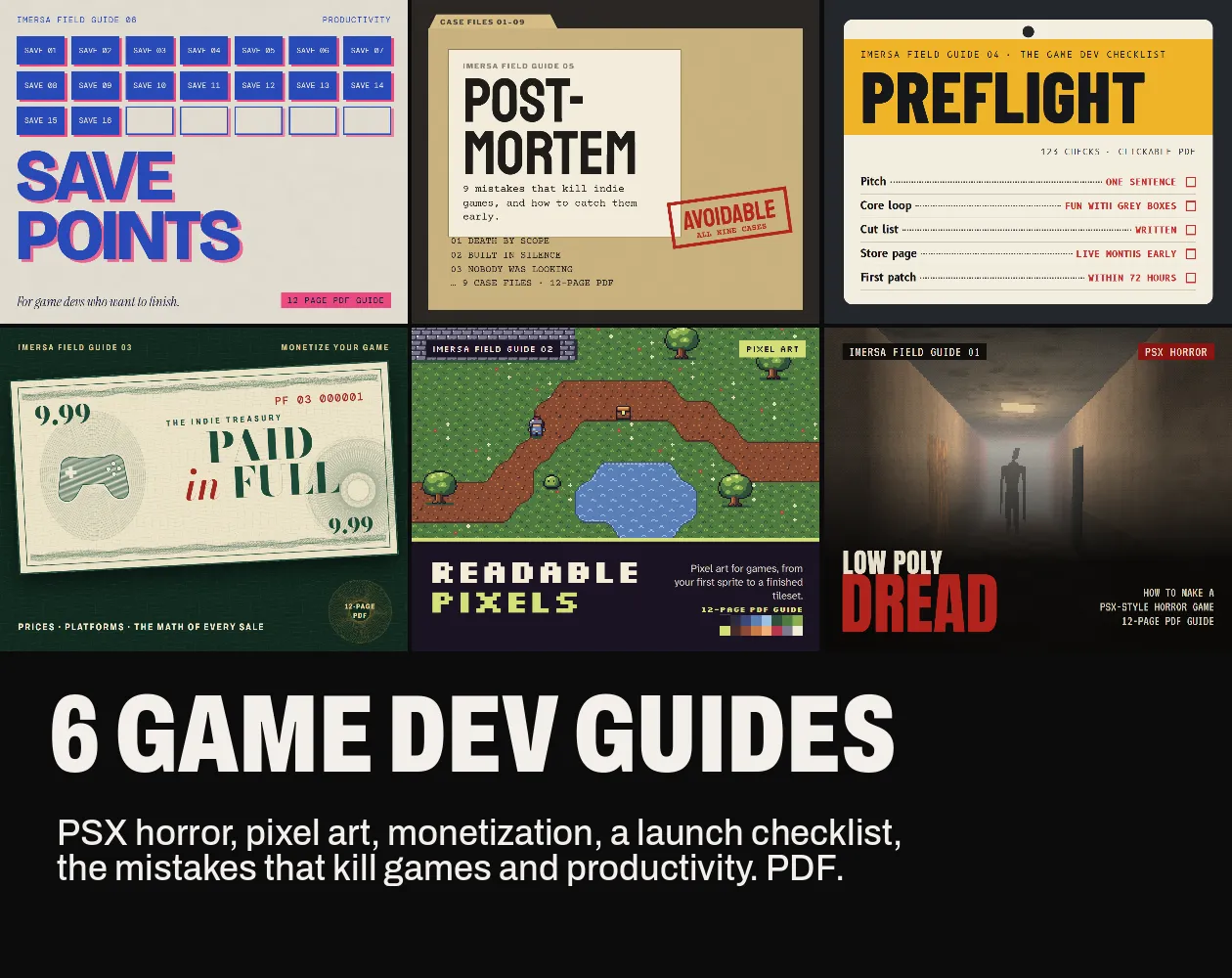
Game Dev Guides Bundle: 6 PDF Books for Indie Devs
PDF field guide · 12 pages
Questions
No. It reads the textures and gives you new PNG files. Put them back on the materials in your 3D tool or engine.
Yes, as far as the original textures allow. The tool adds no license of its own.
Select the model together with its texture images (and .mtl or .bin files) so the browser can read them.
PS1-era textures were mostly 64 to 128 px. Start at 128 or 256 px for a retro look and go higher for detail.
No. Everything runs in your browser on your own computer.