
FreeNo sign-upRuns in your browser
PixmancerTurn Any 3D Model Into Pixel Art Sprites
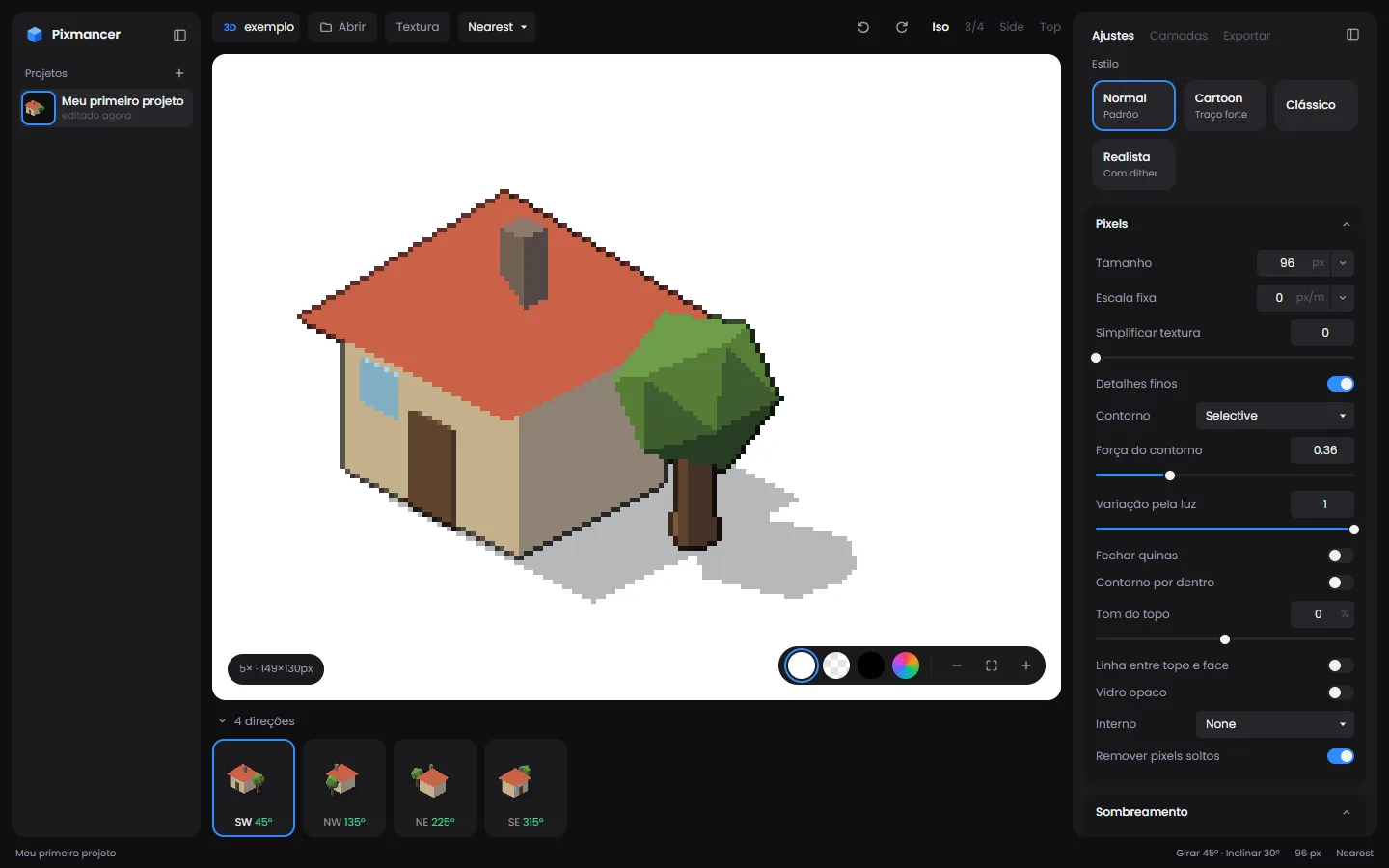
Pixmancer renders a 3D model at low resolution with a toon shader, then cleans the pixels: four-tone light, selective outlines, cast shadow and a palette. Pick a game template (isometric, top-down, side-scroller, 8 directions) and export every direction as PNGs or one sprite sheet. Free, in your browser.
What it does
01
Any common 3D format
GLB, glTF, FBX, OBJ, STL, PLY and DAE. Textures and vertex colours come from the file; drop the extra files (.bin, .mtl, images) together.
02
Pixel-clean shading
Four-tone toon light, selective or full outline, inner lines, cast shadow and stray-pixel cleanup, with Normal, Cartoon, Classic and Realistic presets.
03
130+ palettes
Limit the result to a palette (PICO-8, Game Boy, classic and community sets) or keep free colour, with Bayer dithering.
04
Game camera templates
Side-scroller, isometric 2:1, 8 directions, top-down 4, item icon and Stardew-style 3/4 with 32×32 tiles.
05
Animations to frames
Play the model's animation clips, set the FPS and export the frames for each direction.
06
Sprite sheets and ZIPs
Download a PNG, copy it, or export all directions as one sheet or a ZIP. Projects are saved in your browser.
How it works
- 1
Open a model (or start with the sample house).
- 2
Choose a game template and a style preset, then tune pixel size, light and outline.
- 3
Export the directions as a sprite sheet or ZIP and drop them in Unity, Godot or GameMaker.
When to use it
Prototyping a 2D game fast
Block out characters and props in 3D, render them as pixel art and test the game before you draw anything by hand.
8-direction characters
Render walk and idle clips from one rigged model in all eight directions at the same pixel size.
Isometric buildings and props
Keep every building at the same angle and tile scale, which is hard to do by hand.
From the studio that made it
 FREE EDITION
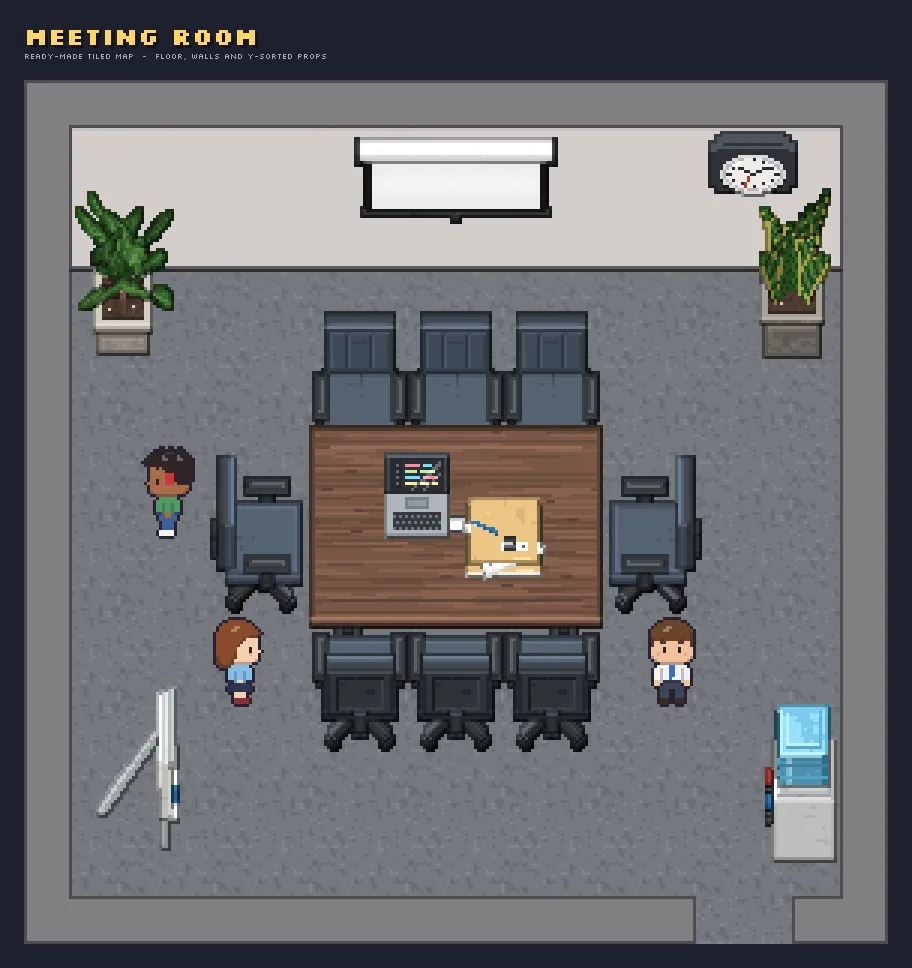
Office Pixel Art: 32x32 Top-Down Office Tileset
Free / Standard / Pro
 FREE EDITION
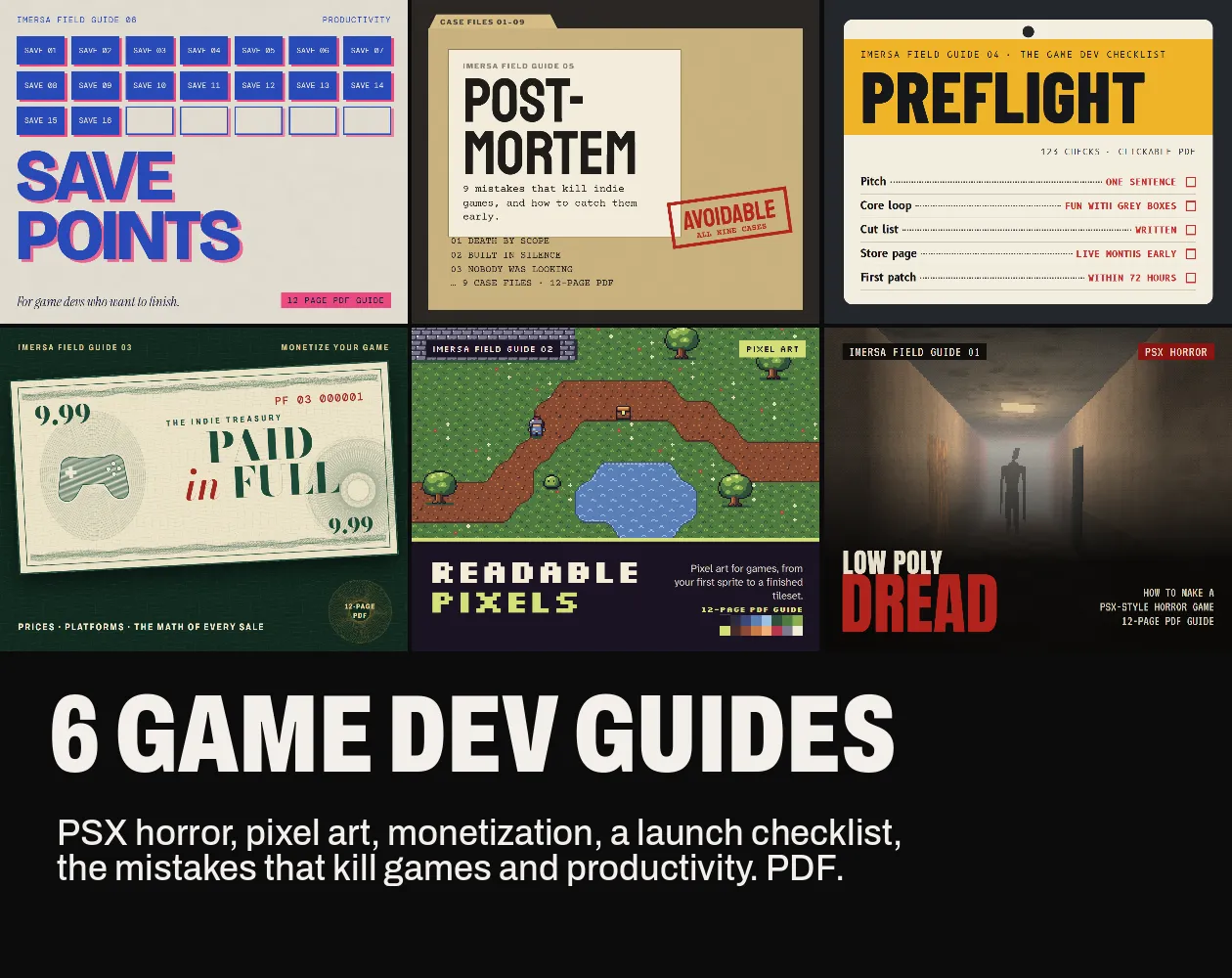
Game Dev Guides Bundle: 6 PDF Books for Indie Devs
PDF field guide · 12 pages
 FREE EDITION
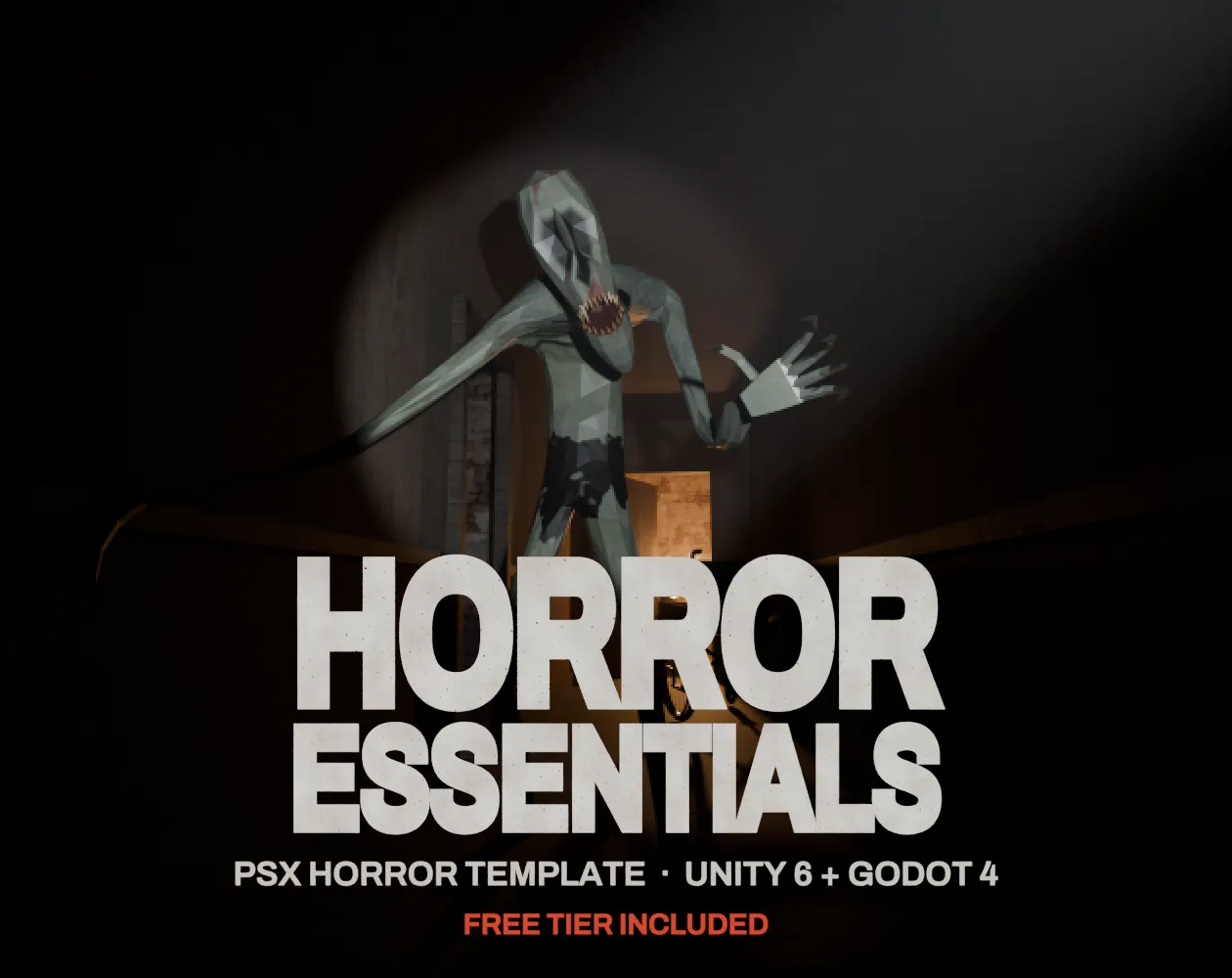
Horror Essentials: PSX Horror Template for Unity 6 & Godot 4
Unity 6 · URP · C# source + demo
Questions
Yes. The output is yours. Make sure you have the rights to the 3D model you render, since its license still applies.
The web version has no Blender inside. In Blender use File > Export > glTF 2.0 (.glb) and open the .glb. The local version converts .blend for you.
Select the model together with its texture images (and .bin or .mtl files) in the same open dialog, so the browser can read them.
No. Files are read and rendered in your browser and projects stay in its storage.
It shades for pixel art: flat light bands, outlines only where shapes meet, and cleanup of lone pixels, so the sprite reads at small sizes.