
FreeNo sign-upRuns in your browser
Sprite StudioFree Pixel Art Maker and Animator
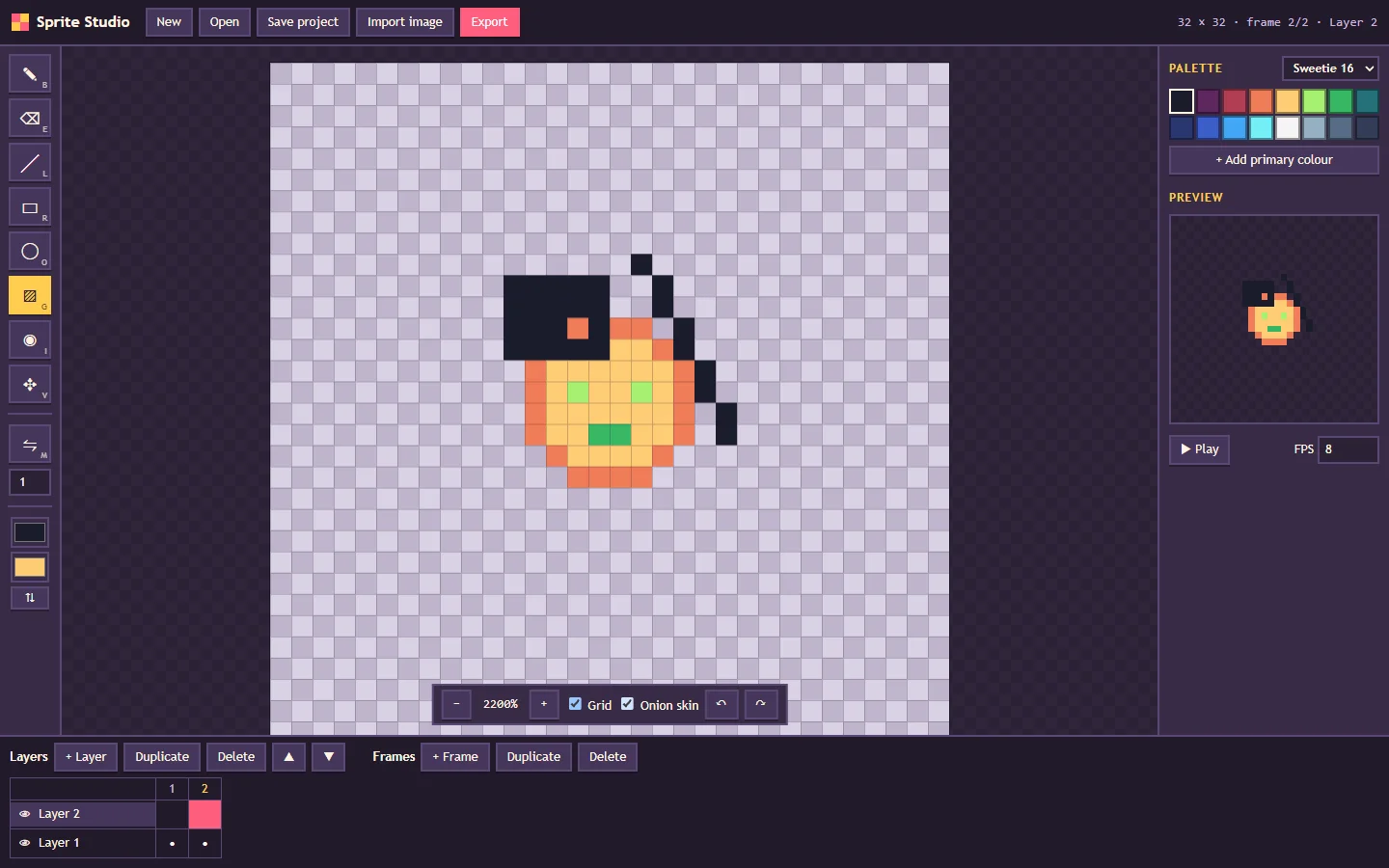
Sprite Studio is a pixel art editor made for game sprites. Draw with pencil, line, shapes and fill, stack layers, add frames and check the motion with onion skin and a live preview. When it moves the way you want, export a PNG, a sprite sheet with JSON for Unity, Godot or Phaser, or an animated GIF. Your work saves in the browser as you go.
What it does
01
Drawing tools
Pencil, eraser, line, rectangle, ellipse (Shift to fill), bucket, colour picker and move, with brush sizes and X mirror for symmetric sprites.
02
Layers
Add, duplicate, hide, rename and reorder layers to keep outline, colour and shading apart.
03
Frames and onion skin
A timeline of frames per layer, onion skin on the previous and next frame, and a live preview at your FPS.
04
Game palettes
Sweetie 16, PICO-8, Game Boy, NES-style and horror palettes, plus your own saved palettes.
05
Export for engines
PNG at 1× to 16×, a sprite sheet with JSON frame data, all frames as a ZIP, or an animated GIF.
06
Saved as you work
Autosave in your browser, and project files you can save and open later. Import an image to trace or edit.
How it works
- 1
Pick a size (16×16, 32×32, 64×64 or your own).
- 2
Draw on layers, add frames and check the animation with onion skin.
- 3
Export a PNG, sprite sheet or GIF and drop it into your game.
When to use it
Character walk cycles
Draw a four or eight frame walk with onion skin and export the sheet ready to slice.
Items and icons
Small 16×16 icons for inventories and UI, exported at 4× for crisp previews.
Editing an existing sprite
Import a PNG, fix pixels on a new layer and export it back at the same size.
From the studio that made it
 FREE EDITION
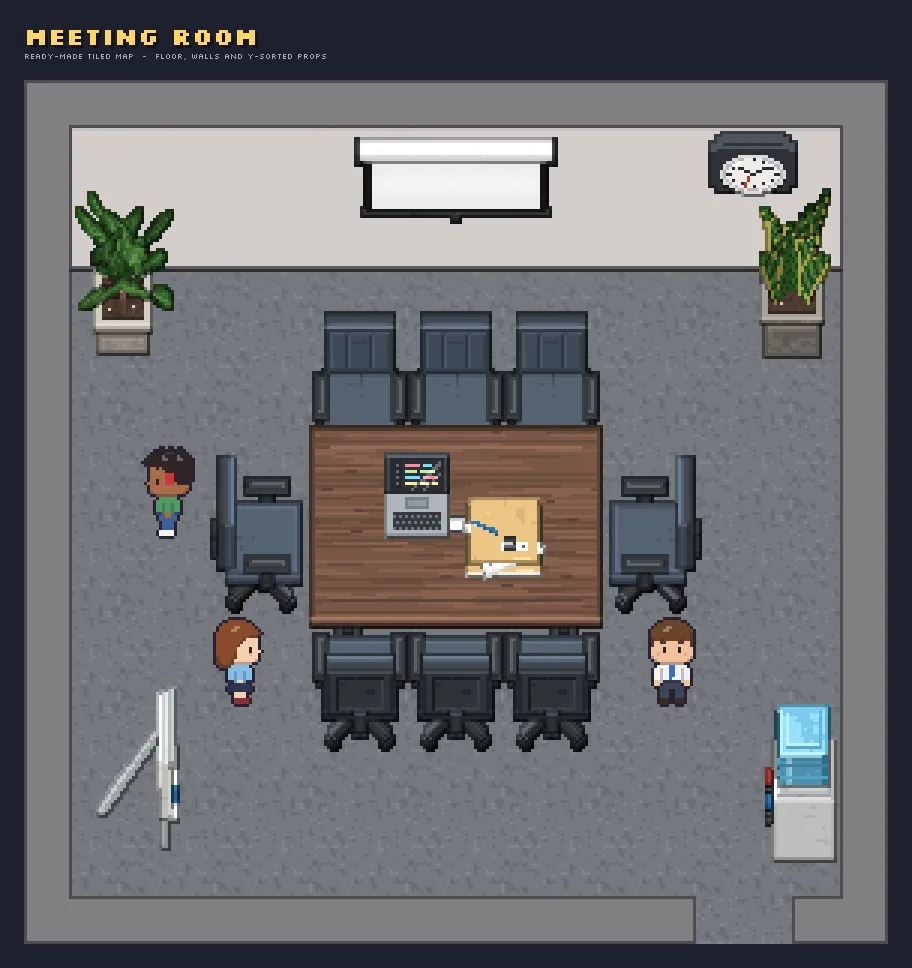
Office Pixel Art: 32x32 Top-Down Office Tileset
Free / Standard / Pro
 FREE EDITION
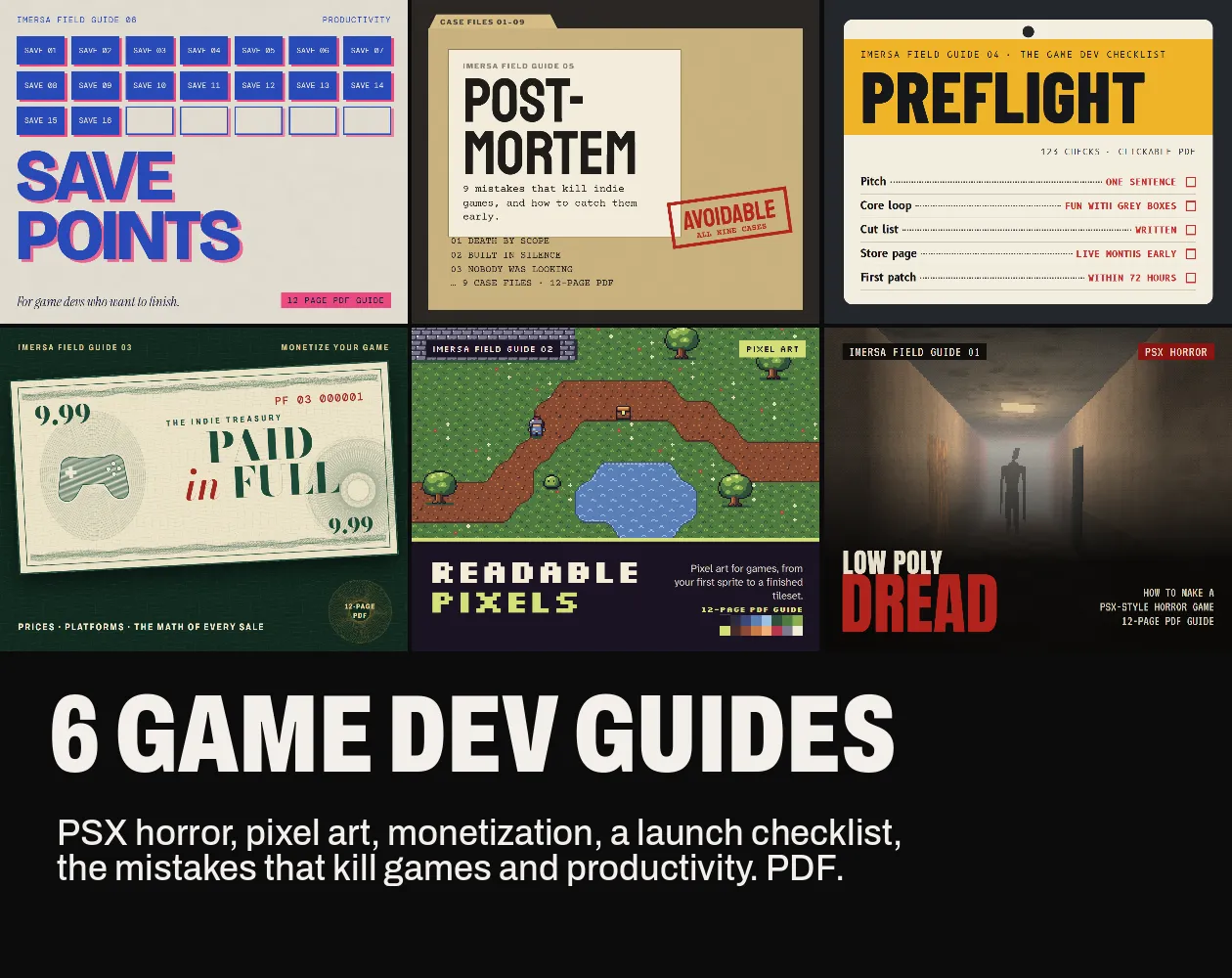
Game Dev Guides Bundle: 6 PDF Books for Indie Devs
PDF field guide · 12 pages
 FREE EDITION
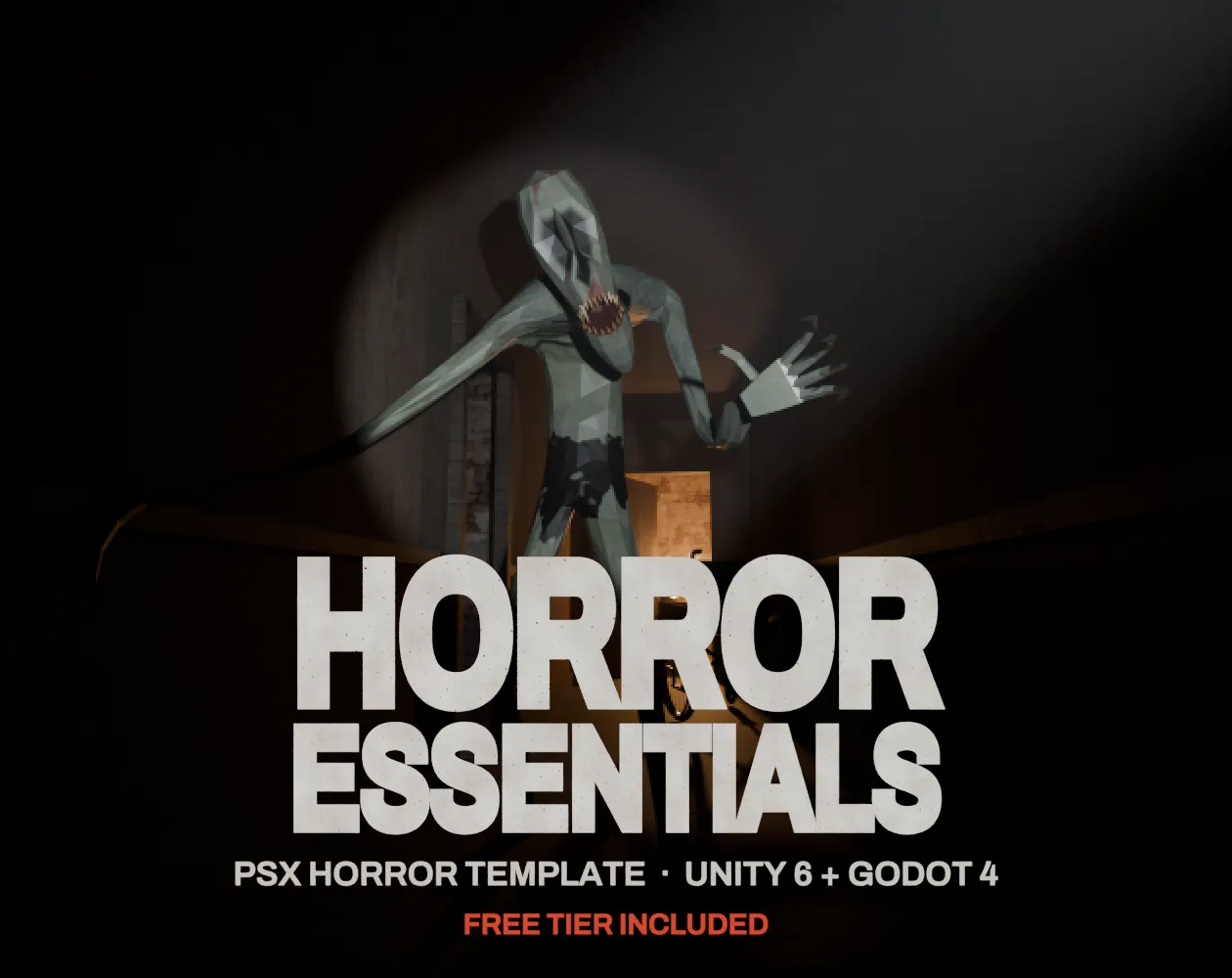
Horror Essentials: PSX Horror Template for Unity 6 & Godot 4
Unity 6 · URP · C# source + demo
Questions
Yes, with no account, watermark or limit. It is a web app made by Imersa Studios.
16×16 or 32×32 px is the most common for 2D games; 48 or 64 px gives room for detail. Keep every character in a game on the same grid.
Yes. The sheet is one row of equal frames, so Unity's Sprite Editor (grid by cell size) and Godot's 'Add frames from sprite sheet' slice it directly. The JSON lists every frame.
You do. Nothing is uploaded and the tool adds no license.
It autosaves in this browser. Use 'Save project' for a file you can open on any computer.